In this article
- What Are Google Local Services Ads?
- How Local Services Ads Work
- The Google Verified Badge
- How to Get Started With Local Services Ads
- How Local Services Ads Rank
- How to Get More From Local Services Ads
- Lead Credits: What Happens to Bad Leads
- How to Track Local Services Ads Leads
- Local Services Ads vs Google Search Ads
- How We Help
- Frequently Asked Questions
- The Bottom Line
If you run a service business, Local Services Ads are some of the most valuable real estate on Google. They appear at the very top of the results when someone searches for a service near them, often above regular ads and the map, and they show your rating, your reviews and a badge that tells people Google has checked you out. Best of all, you pay for leads, not clicks.
They are also widely misunderstood. Requirements vary by industry and location, Google changed the badges in 2025, and the way leads are charged and credited has changed more than once.
This guide covers how Local Services Ads work today, how to get started, what they cost, how they rank and, most importantly, how to track every lead through to a paying job.
Key takeaways
- Local Services Ads appear at the top of Google search results for local services, and you pay per lead rather than per click.
- In October 2025, Google replaced the Google Guaranteed and Google Screened badges with a single Google Verified badge.
- Your ranking depends on your bid and your profile quality, including reviews, rating and how quickly you respond.
- Track every Local Services Ads lead into your CRM, or you will never know which ones became customers.
What Are Google Local Services Ads?
Local Services Ads, often shortened to LSA, are a separate ad product from regular Google Ads. When someone searches for something like "plumber near me" or "family lawyer", Local Services Ads can appear at the top of the page as a short list of businesses, each with a rating, review count and badge.
The customer can call you, send a message or, in some categories, request a booking straight from the ad. You receive the lead by email and in the Local Services Ads app, and from that point it is yours to win.
How Local Services Ads Work
- You pay per lead. You are charged for valid leads, such as a phone call or message, not for impressions or clicks. Lead prices vary by location, job type, lead type and bidding mode.
- Message leads cost less. Google prices a message lead at half the cost of a phone lead, and charges booking leads at the same rate as phone leads.
- You set a weekly budget. Spending can run over in a given week, but never past your monthly maximum, which is based on your weekly budget.
- Billing runs through Google Ads. That also means a problem with your Google Ads account can pause your Local Services Ads.
The Google Verified Badge
Until 2025 there were two main badges: Google Guaranteed for home services and Google Screened for professional services such as lawyers and financial planners. On October 20, 2025, Google combined them, along with the license verification badge, into a single Google Verified badge. The money-back guarantee that came with Google Guaranteed was discontinued at the same time.
To earn the badge, Google checks businesses before their ads run. Depending on your industry and location, that can include business registration, professional licenses, insurance and background checks on owners and relevant employees. Keep your documents current, because expired licenses or insurance can cost you the badge.
How to Get Started With Local Services Ads
- Check availability. Local Services Ads are offered for specific business categories in specific areas. Start on Google's Local Services Ads site to see whether your category is available where you work.
- Create your profile. Add your business details, service areas, the job types you offer and your hours.
- Complete verification. Submit the licenses, insurance and other documents Google asks for, and complete any background checks required for your category.
- Set your budget and bidding. Choose a weekly budget and a bidding mode. Google recommends letting it maximize leads at first, and suggests budgeting for at least ten leads a week for the system to learn.
- Connect your reviews. Your Google reviews appear on your ad, so a strong review count matters from day one. Our Google reviews playbook shows how to build them.
- Be ready to answer. Missed calls and slow replies hurt your ranking, so make sure leads reach someone who will respond quickly.
How Local Services Ads Rank
Google decides the order of Local Services Ads through an auction that weighs your bid together with the quality of your profile. Profile quality includes your rating, number of reviews and how quickly you respond, and businesses with the verification badge rank ahead of those without one. Google has said that higher quality profiles may also pay less per lead.
Google has also played down distance. It removed language saying proximity is a ranking factor, and its Ads Liaison has said a business's location is often not a key sign of relevance. Set your service areas to the places you can genuinely serve, matching your Google Business Profile.
The fastest way to improve your Local Services Ads is not a bigger budget. It is answering every lead quickly and earning more reviews.
How to Get More From Local Services Ads
- Answer every lead fast. Response time is part of profile quality, and a missed call is usually a lost job.
- Keep earning reviews. Rating and review count shape both your ranking and how many people choose you.
- Keep job types and areas accurate. Leads outside them are no longer credited, so only list work you actually want.
- Set realistic hours. Showing as open when nobody answers costs you leads and ranking.
Lead Credits: What Happens to Bad Leads
Since July 2024, Google reviews Local Services Ads leads automatically and credits ones it judges invalid, such as spam. Advertisers cannot opt out of this. Google no longer credits leads just because the job type or location was not one you serve, so keep your job types and service areas accurate. Lead credits are not available in some categories, including health care.
Google also asks you to rate your leads in the app. It is worth doing for every lead, because it is the feedback Google uses to improve what it sends you.
How to Track Local Services Ads Leads
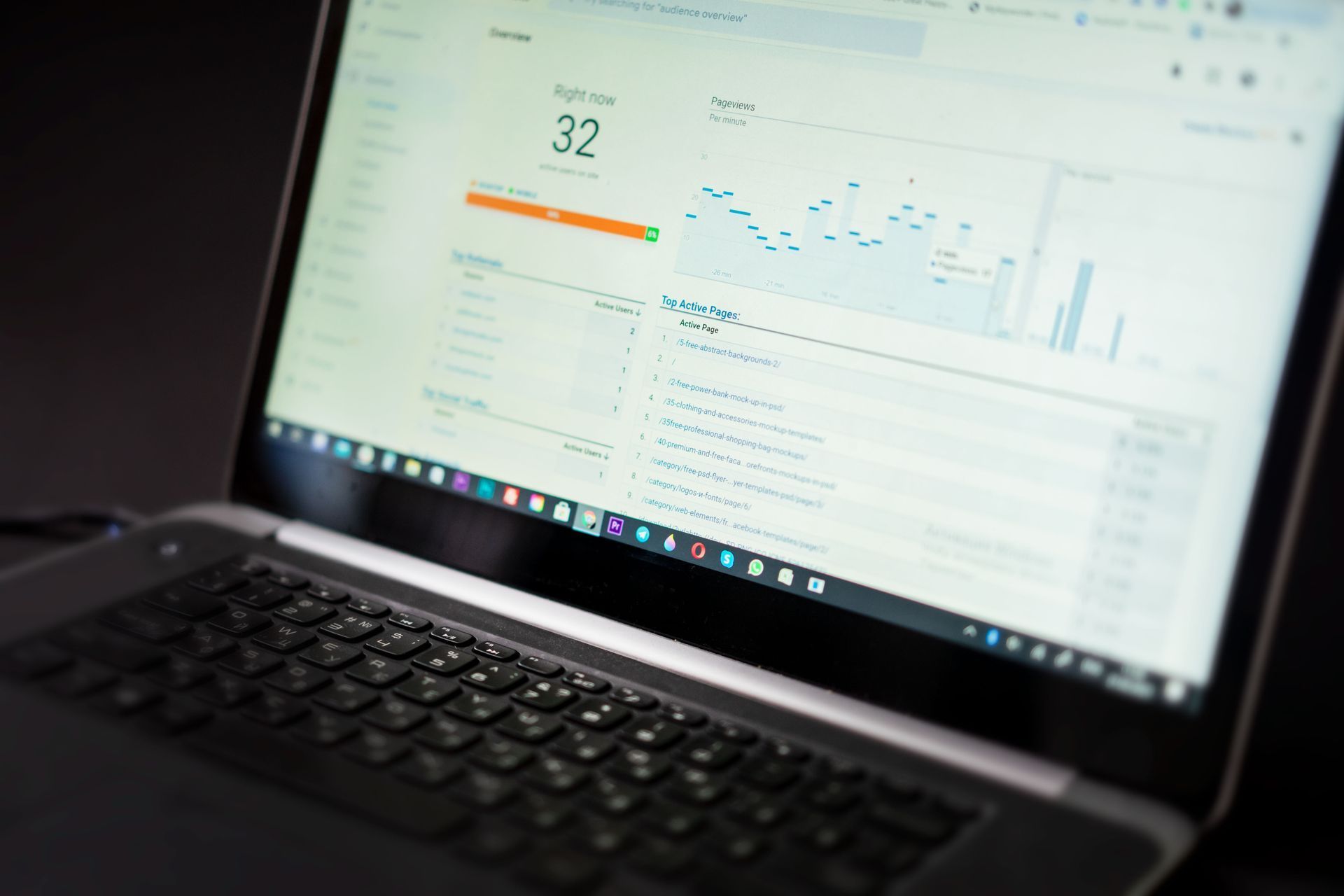
Local Services Ads report leads inside their own dashboard, which shows calls, messages and bookings and what each one cost. What it cannot tell you is which of those leads became paying customers, or how they compare with your other marketing. That part is up to you.
- Log every lead in your CRM with its source marked as Local Services Ads.
- Mark the outcome. Booked, quoted, won or lost, and the value of the job.
- Compare cost per customer with your Google Ads, SEO and social leads, not just cost per lead.
- Watch your response time. It affects both your ranking and how many leads you win.
Our marketing lead tracking guide explains how to put Local Services Ads side by side with every other channel.
Local Services Ads vs Google Search Ads
They are complementary, not competing. Local Services Ads charge per lead and appear first for the services Google offers them in, with very little control over wording. Regular Google Search Ads charge per click, give you full control over keywords, ad copy and landing pages, and cover every service you offer. Most service businesses do best running both. We compare them in detail, alongside Meta ads, in Local Services Ads vs Google Ads vs Meta Ads.
Talk to a real person
Want Help With Local Services Ads?
We set up and manage Local Services Ads and Google Ads for local service businesses, with every lead tracked in one dashboard. Book a 20 minute call to see how.
How We Help
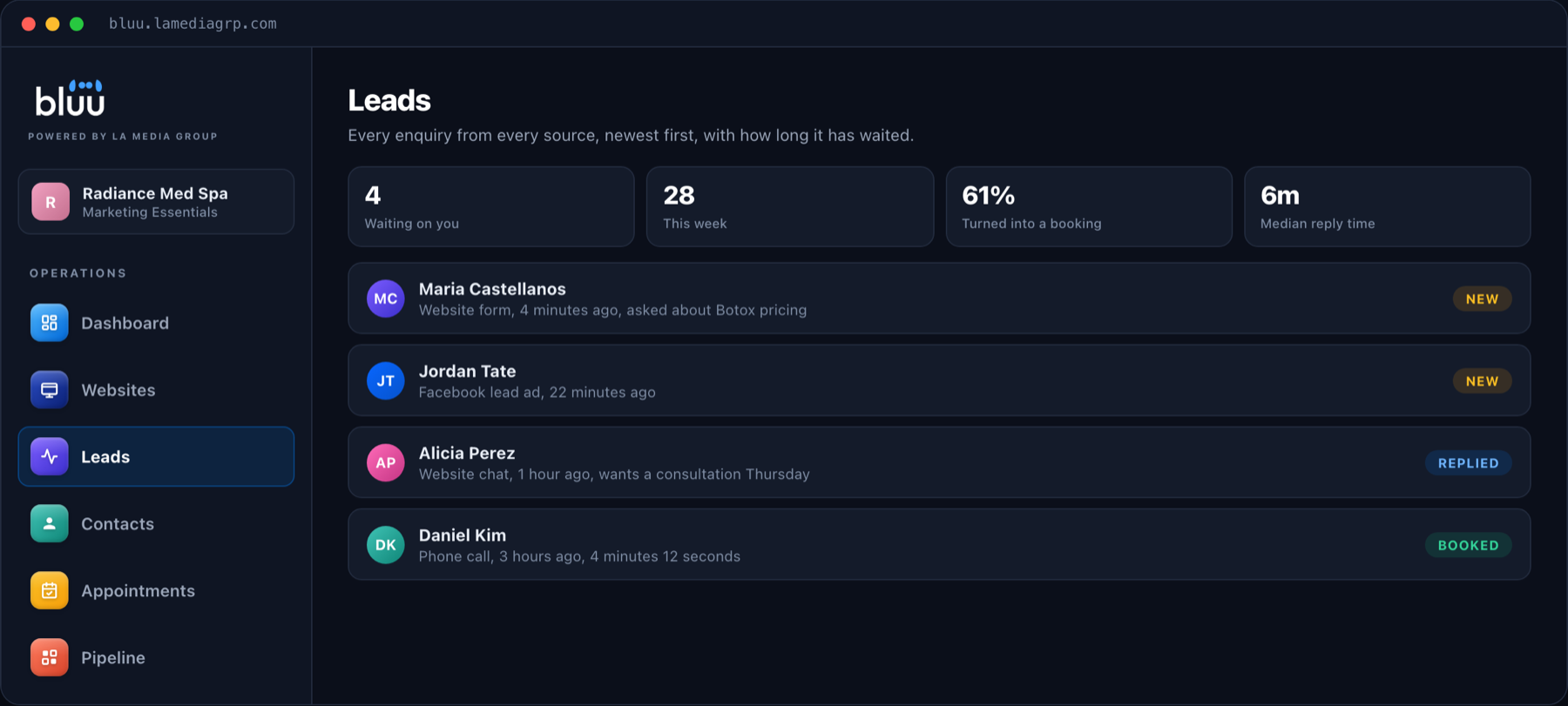
We are a South Florida digital marketing agency working with service businesses across the country. We help with Local Services Ads setup and verification, manage Google Ads alongside them, and track every lead in Bluu, where your calls, forms, chats and bookings sit in one inbox with their source and outcome. You can see our ad management plans on our pricing page.
Frequently Asked Questions
How do Google Local Services Ads work?
Local Services Ads appear at the top of Google search results for local services. Customers can call, message or book from the ad, and you pay for each valid lead rather than for clicks. Your ranking depends on your bid and your profile quality.
What is the Google Verified badge?
Google Verified is the single badge Google introduced in October 2025 to replace Google Guaranteed, Google Screened and License Verified by Google. It shows customers that Google has checked the business before its ads run.
How much do Local Services Ads cost?
You pay per lead, and lead prices vary by location, job type, lead type and bidding mode. Message leads cost half as much as phone leads. You control spend with a weekly budget and a monthly maximum.
What are the requirements for Local Services Ads?
They vary by industry and location, but commonly include business registration, professional licenses, insurance and background checks for owners and relevant employees.
Can I get credit for bad leads?
Google reviews leads automatically and credits ones it judges invalid. Leads are no longer credited simply because the job type or location was not one you serve, and credits are not available in some categories such as health care.
The Bottom Line
Local Services Ads are one of the best value ad placements a service business can get: top of the page, pay per lead, and a badge that builds trust instantly. Earn the Google Verified badge, build your reviews, answer every lead fast and track each one to the job it produced.
If you would like help getting started, book a call or send us a message.